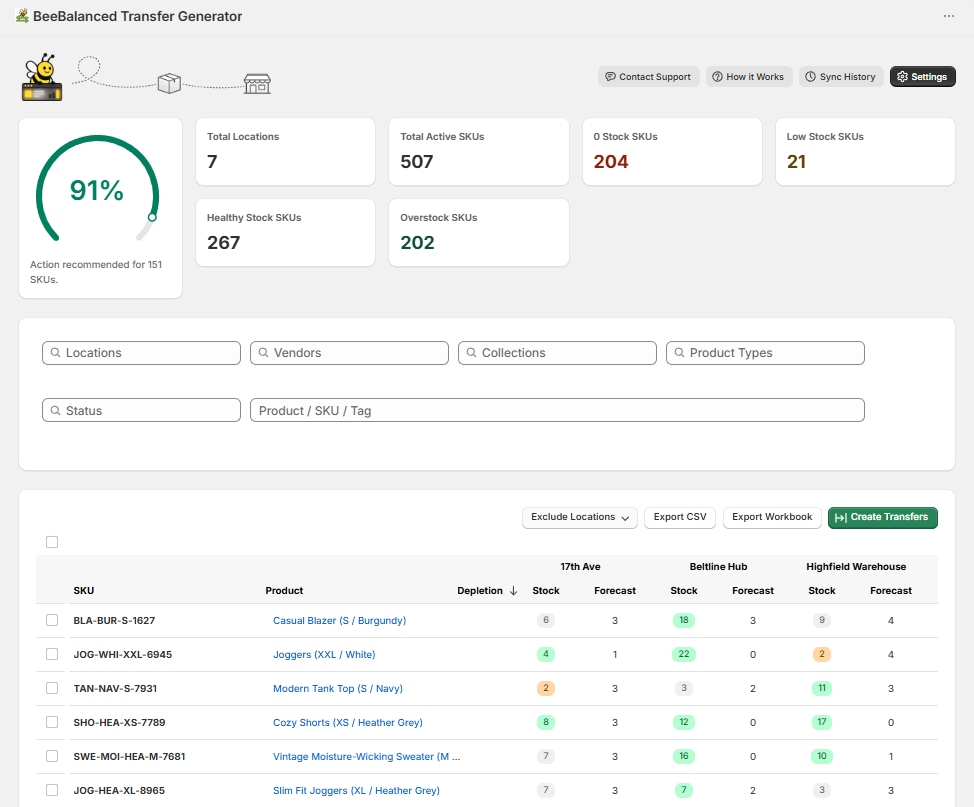
Cards at the top of the dashboard help gauge how well your inventory is balanced.
Shows Stock and Forecasted sales for all Active products in the store at each location.
Customize data in the inventory table and quantities when generating transfers.
Narrow down products and locations.
Instantly generate draft transfers on Shopify, or export values to a csv file which can be imported to Shopify.
Evenly distribute inventory across multiple locations by generating inventory transfers using stock, forecasted sales, and adjustable settings.
Generated transfers only consider products that are included in the user’s chosen filters and selections.
Instantly creates draft transfers on Shopify.
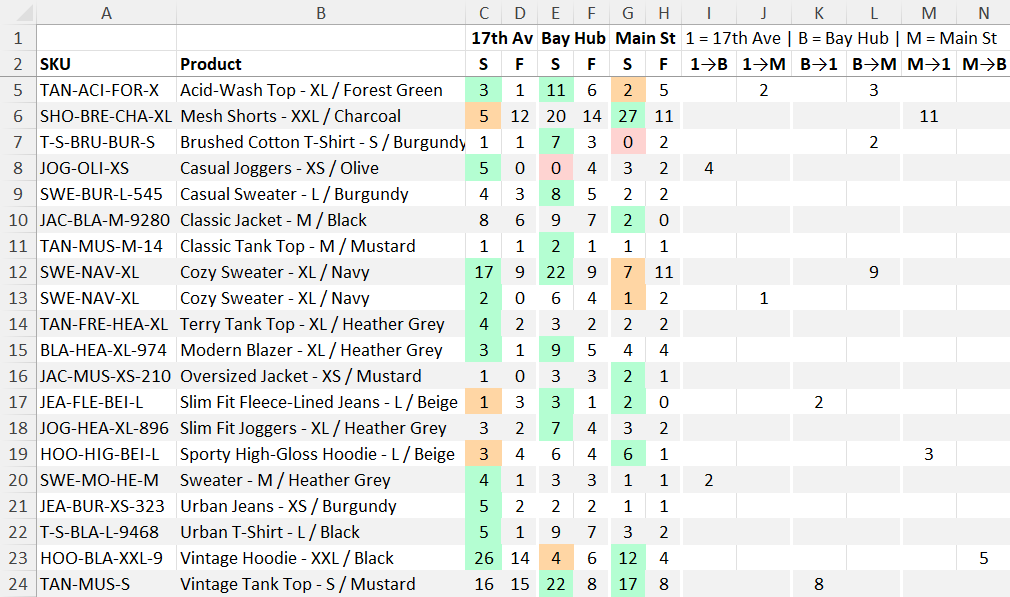
Creates a spreadsheet with the same values as the inventory table, and the same quantities that would have been generated with ‘Create Transfers’.
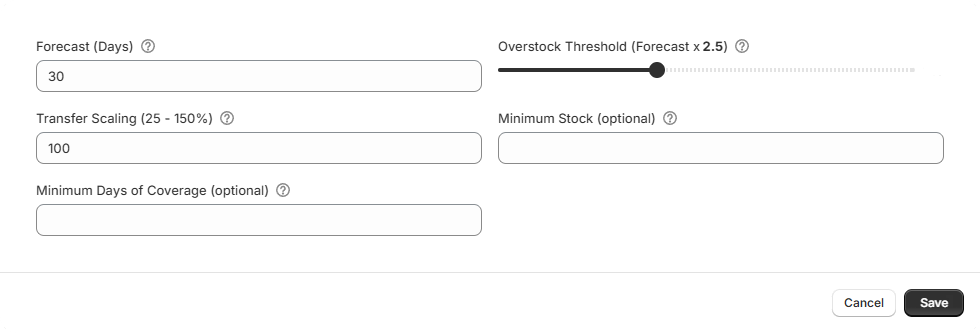
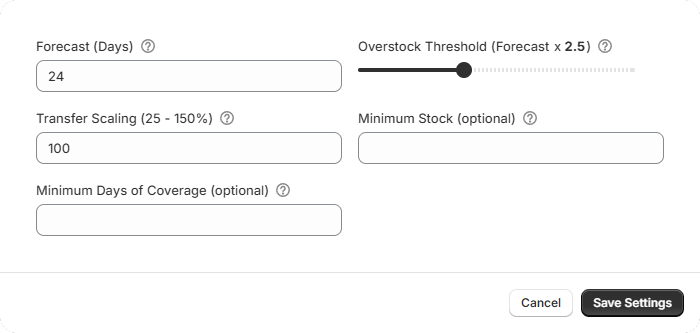
Sales data is analyzed to estimate how much of a product will sell over the next designated number of days. Ignores out-of-stock days for improved accuracy.
Determines which products are overstock. A product with 3 Stock and 1 Forecast will be considered overstock if the threshold is set to 2, but not 4.
Locations will receive less of a product that is considered overstock when generating transfers. Products that have stock 1.5x or greater than the Overstock Threshold will not be transferred.
Quantity of products that will be transferred. Lower values transfer less, higher values transfer more.
Generated transfers will not move quantities below the designated number of days of coverage based on stock and forecast.